

Ideas and referencesCollect ideas, assets and project context

MUKAWA Production
Bring your ideas to life
Connect ideas, assets, AI generation, collaboration and delivery. Move from concept to production in one shared workspace.
One workspaceFor creation, production and management
MUKAWA is a shared workspace for content production, connecting teams, projects, assets and usage rights in one workflow.
Keep people, tools and tasks connected, from shaping ideas through production to managing deliverables, with less switching between systems.
WorkspaceProjects and workflowsAssets and modelsVersions and permissions
One organizational layer
Projects and productionCoordinate people, workflows and progress
Assets and governanceRetain versions, sources, permissions and rights
PeopleAssetsToolsTasks
From inspiration to deliveryA connected production workflow
Continue every step in the same environment, keeping ideas, content and production records connected.

Ideas and projects
Gather ideas and references, create a project and define the story direction.
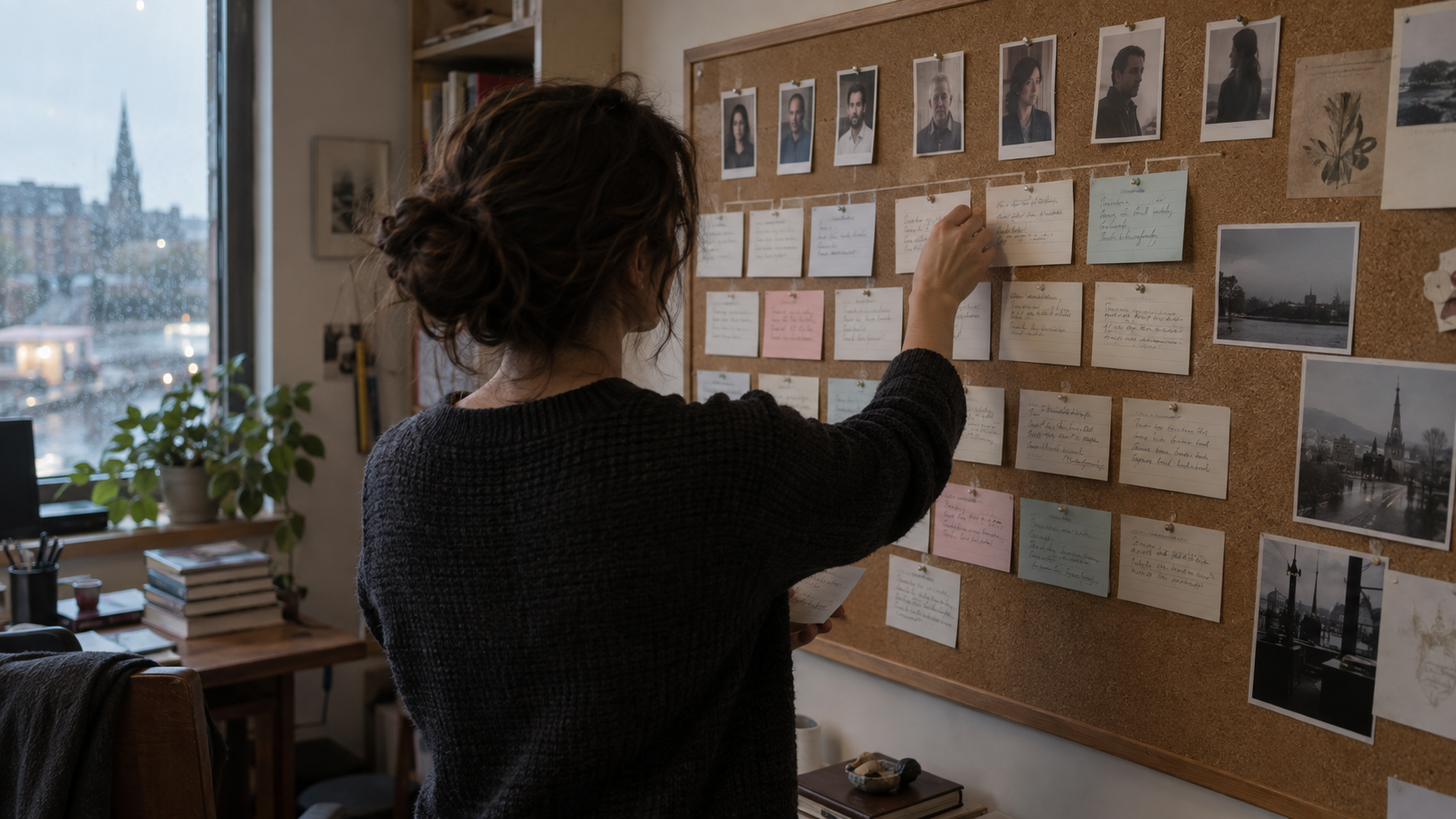
Series structure
Develop characters and the central story, then plan arcs and episode ranges.

Episode scripts
Develop each episode and refine dialogue and conflict through comments and rewrites.
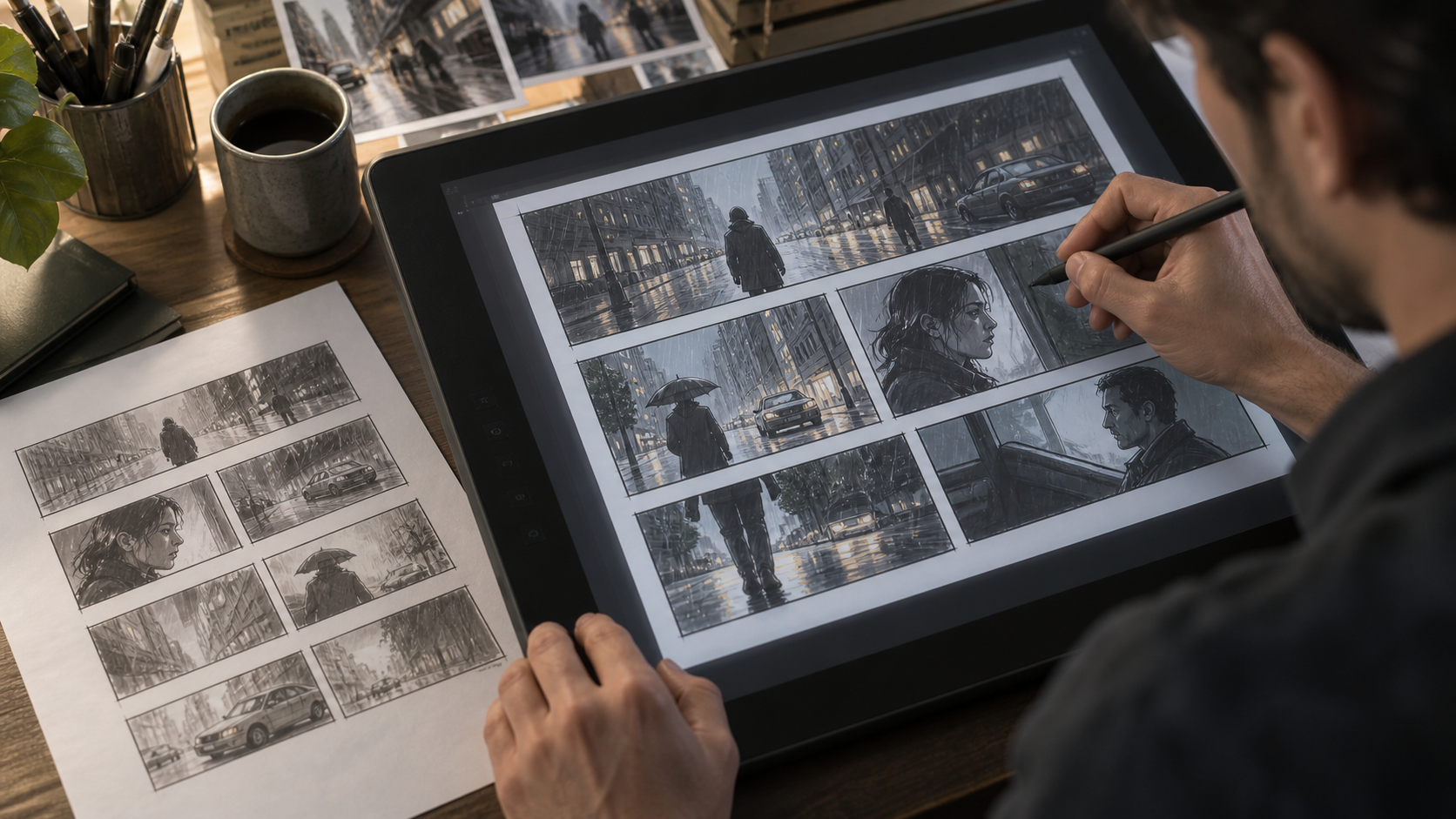
Storyboards
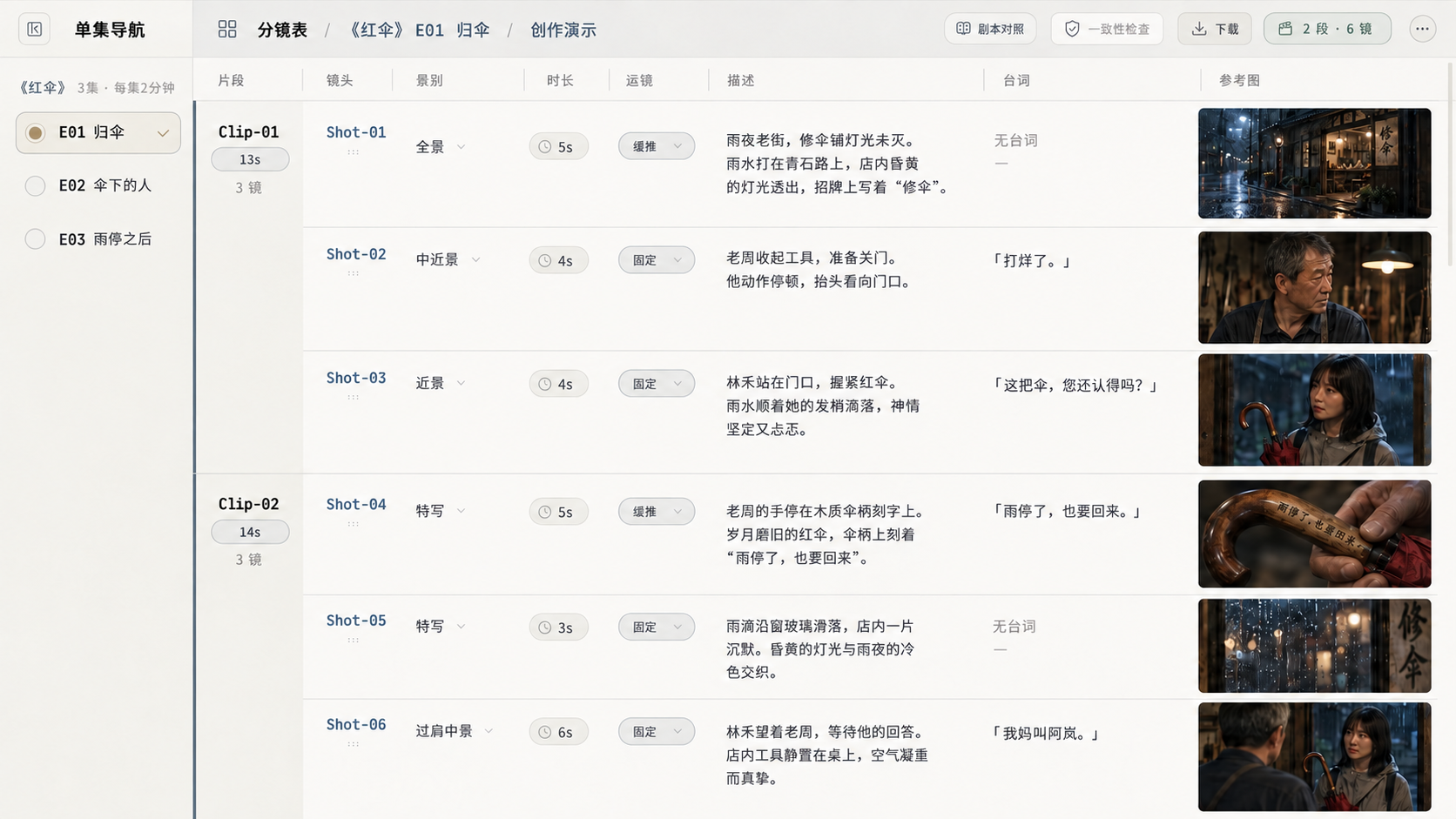
Break scenes into clips and shots, specifying framing, movement, duration and references.
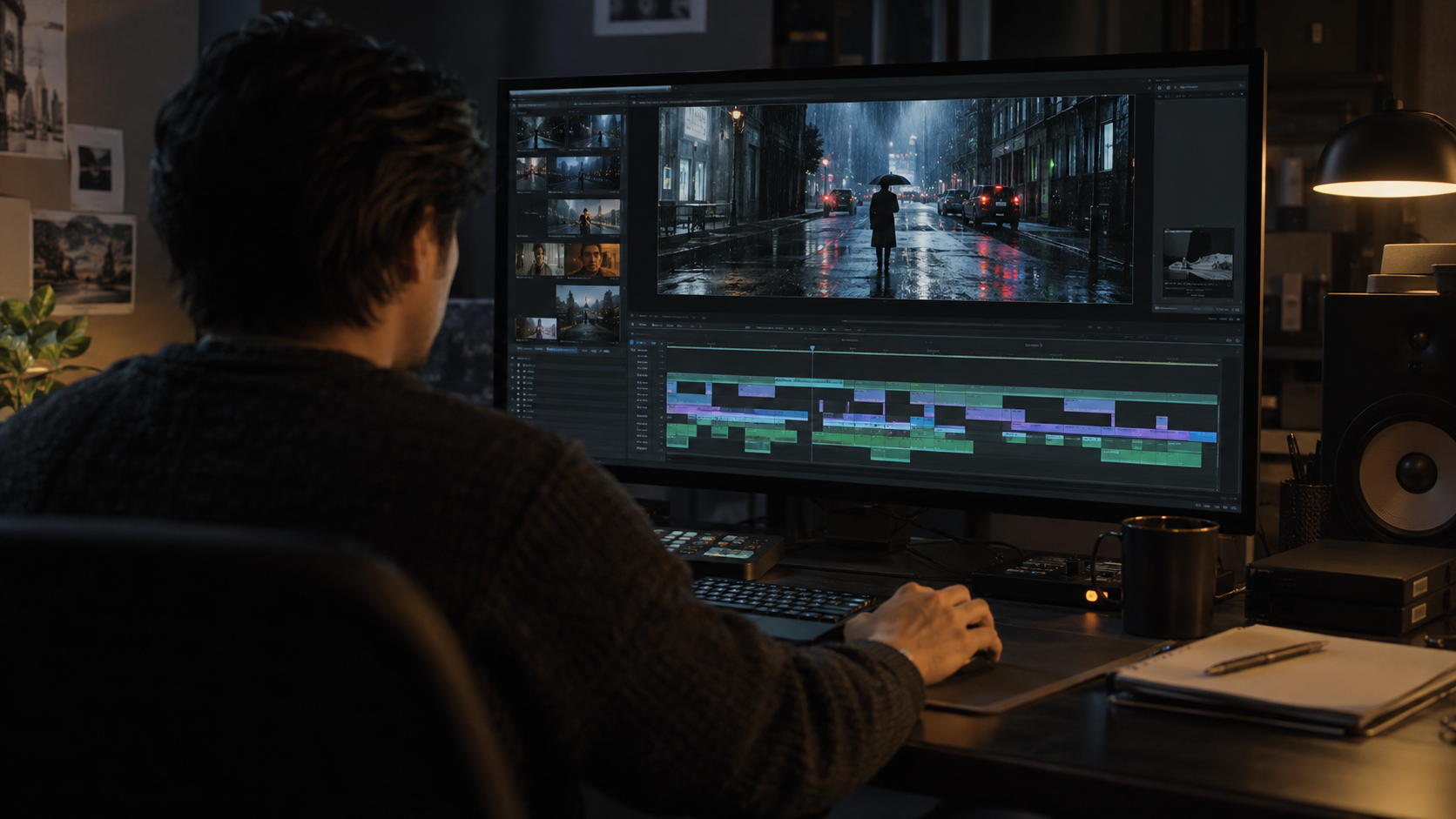
Video generation
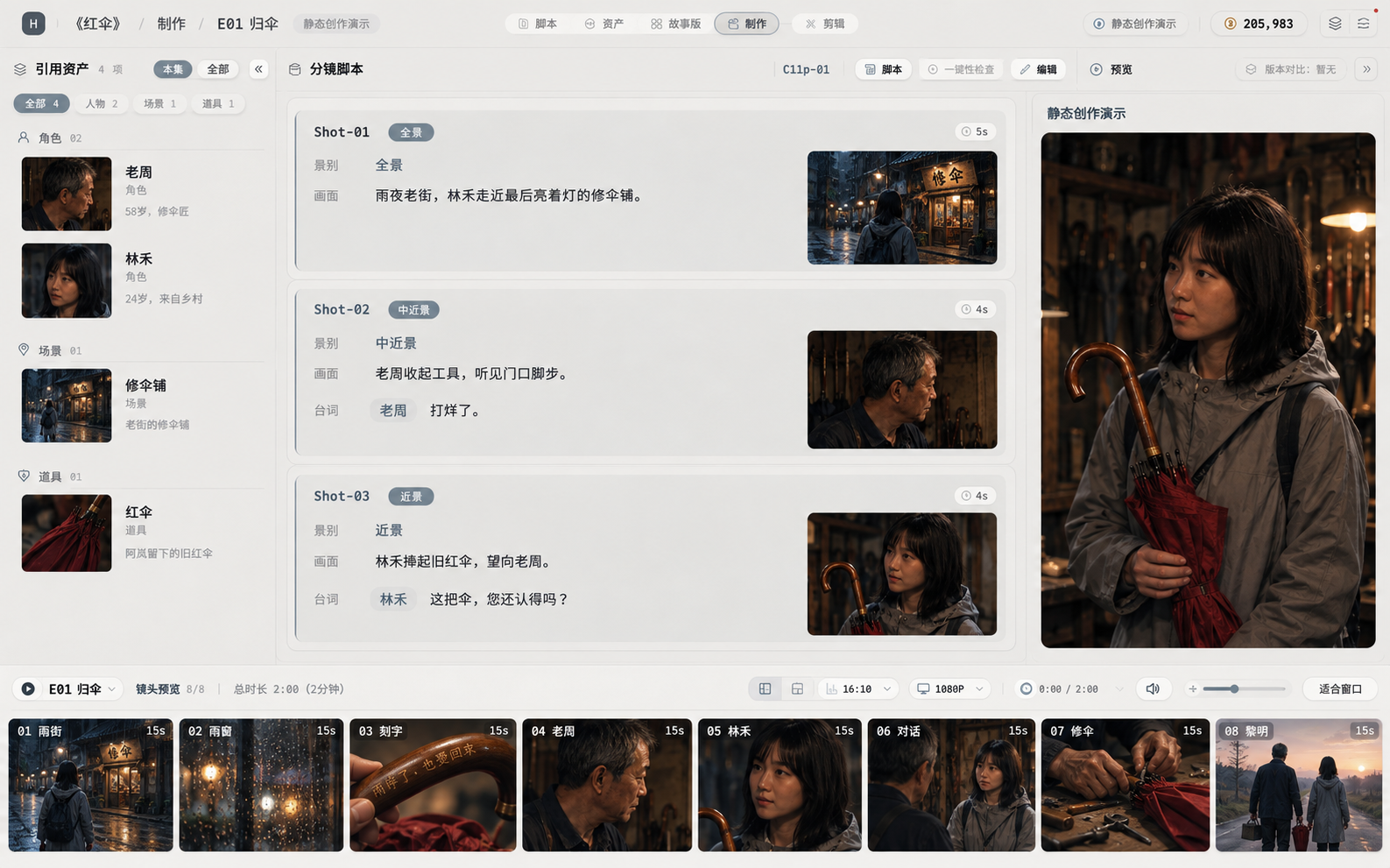
Reuse shot and character references to generate, preview and refine each clip.
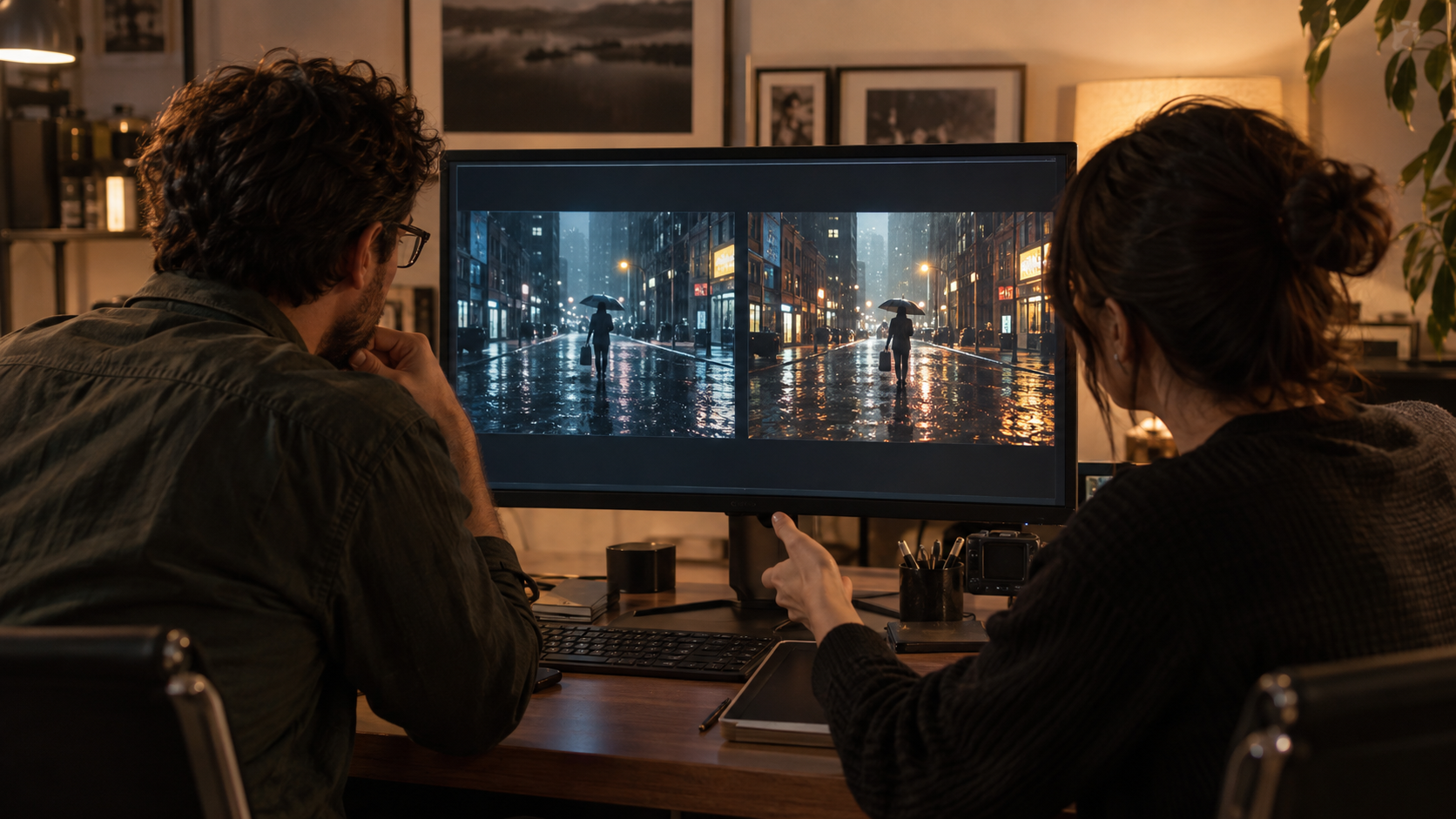
Version selection
Compare versions, prompts and settings for the same shot, then choose the best fit.
One idea to film. Simply.
Give your inspiration a professional foundation
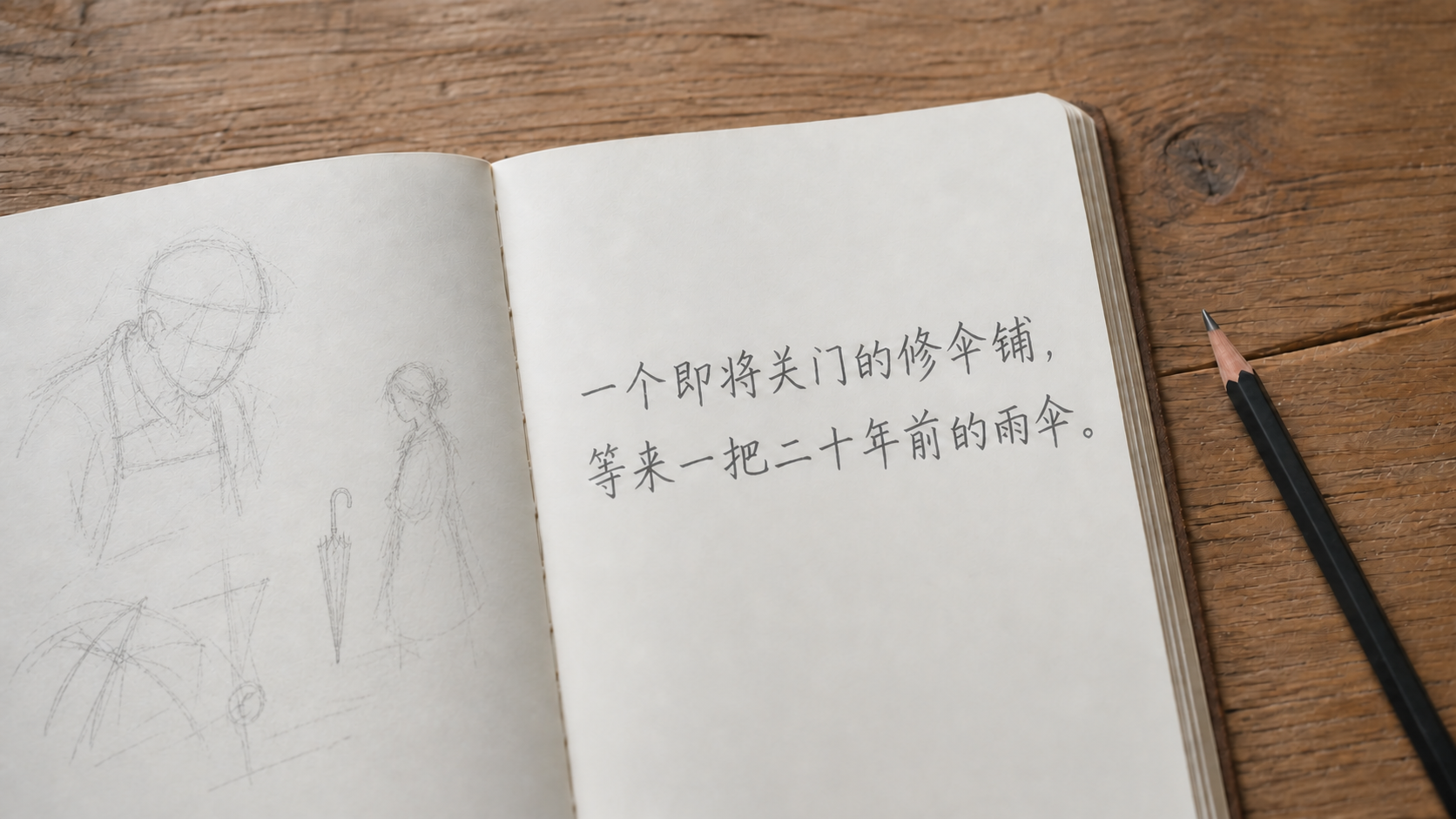
Creation starts with a single sentence.
Capture an idea
You do not need a finished script. Save a premise and a few references in a project, and begin.
 View full image ↗
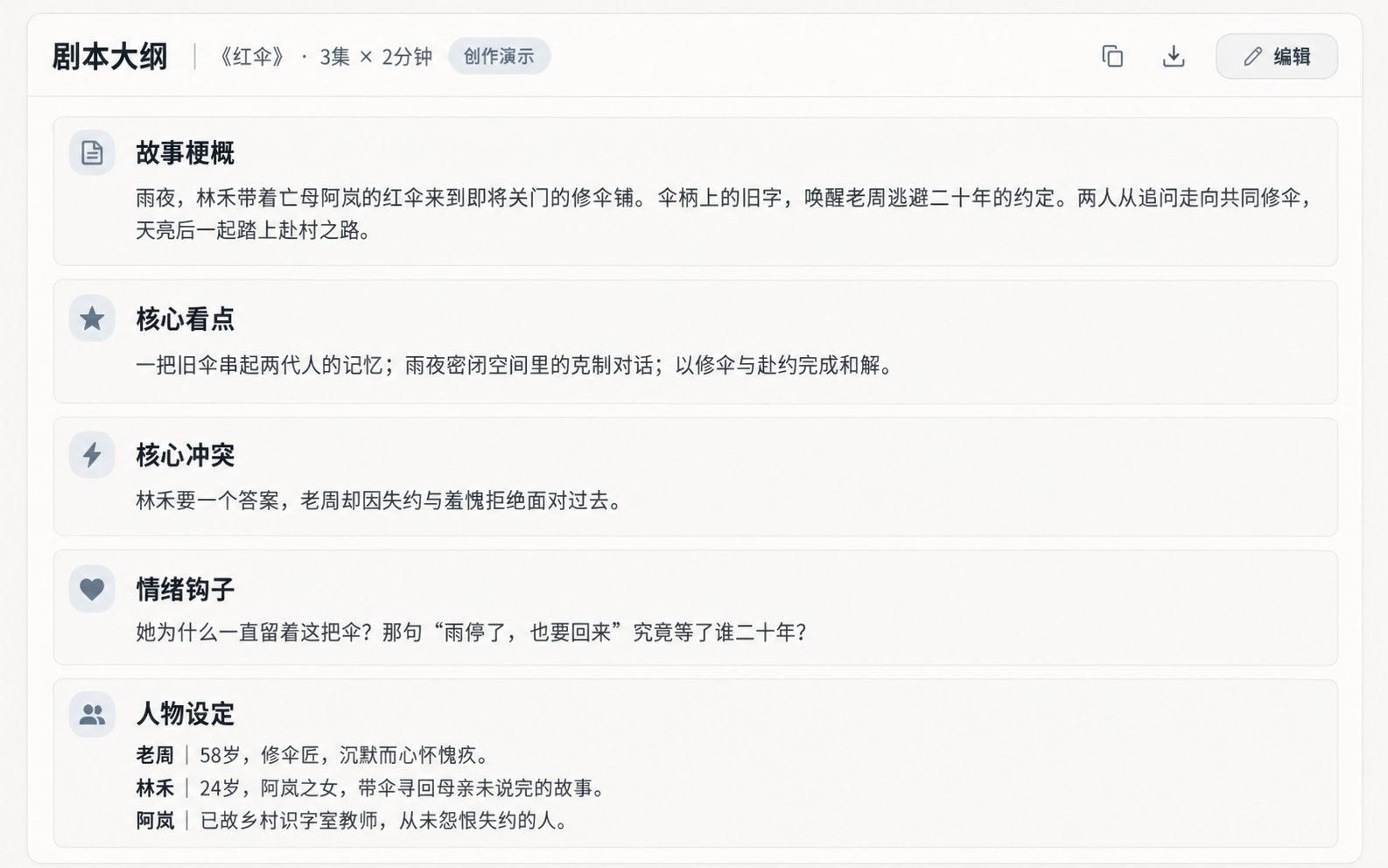
Build a story from it
Let AI help your inspiration grow.
 View full image ↗
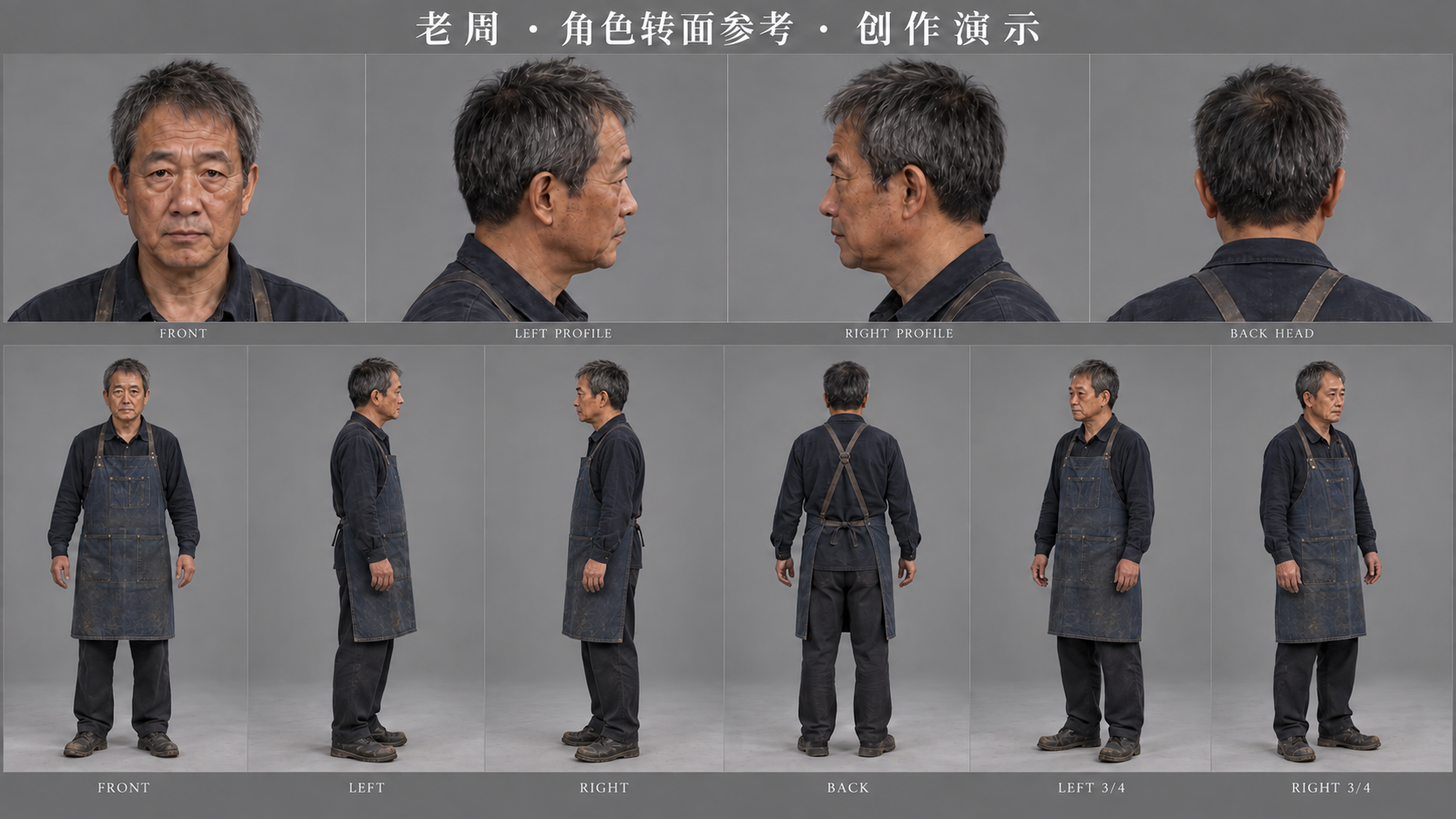
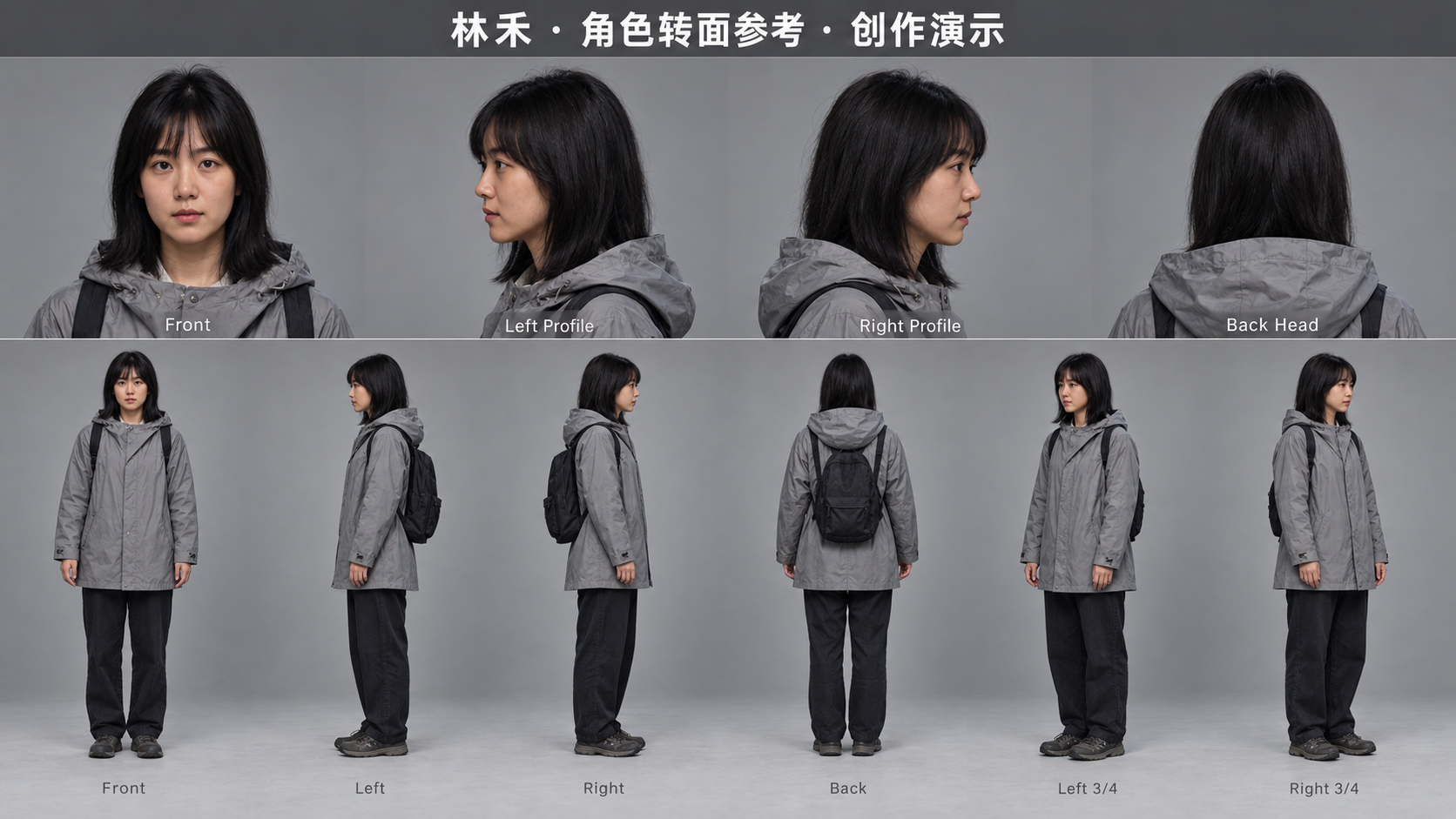
Keep your characters consistent
Front, profile, back and full-body views stay in the project, giving every new scene and shot a shared visual reference.
 View full image ↗
Break each scene into shots
Move from wide shots to close-ups. Specify framing, camera movement, duration and dialogue, and connect each shot to its characters, setting and visual references.
 View full image ↗
Bring the shots together
Continue from script and storyboard into video clips.
 View full image ↗
Built around productionFive connected capabilities
Take AI beyond a single generation, into collaboration, production, management and delivery.
AI-assisted creation
Develop ideas, copy, scripts, storyboards and visuals to get ready for production.
- Organize ideas and references
- Develop scripts and storyboards
- Generate visuals and assets
Series and short-film production
Organize generated material into shots, scenes, versions and deliverables.
Project and team collaboration
Coordinate projects, members, tasks, reviews and production progress.
Digital asset management
Keep sources and tags with assets, models and outputs so they can be found and reused.
Versions, permissions and rights
Retain version history, asset sources, member permissions and content usage status.
Inside the workspaceSee the creative process

Creation goes beyond generationKeep moving into production
Start with ideas, scripts and storyboards, then bring generated content into team reviews and shot planning.
Connect lightweight editing, version refinement and output for series and short films, taking ideas closer to finished work.
See the full workflowCONTENT
ASSET

ASSET
VersionsVersion
SourcesSource
PermissionsAccess
RightsLicense
Make every projectBuild lasting resources
Link assets and outputs to their workspaces and projects, keeping ownership and version history clear.
Manage sources, member permissions and rights status to support future discovery, collaboration and reuse.
- Find and reuseOrganize assets, models and results so they remain useful.
- Trace the processKeep production records, version history and key action status.
- Shared team managementSupport structured collaboration with roles, permissions and rights controls.
From solo creationTo team production
One platform for content teams of different sizes and collaboration needs.
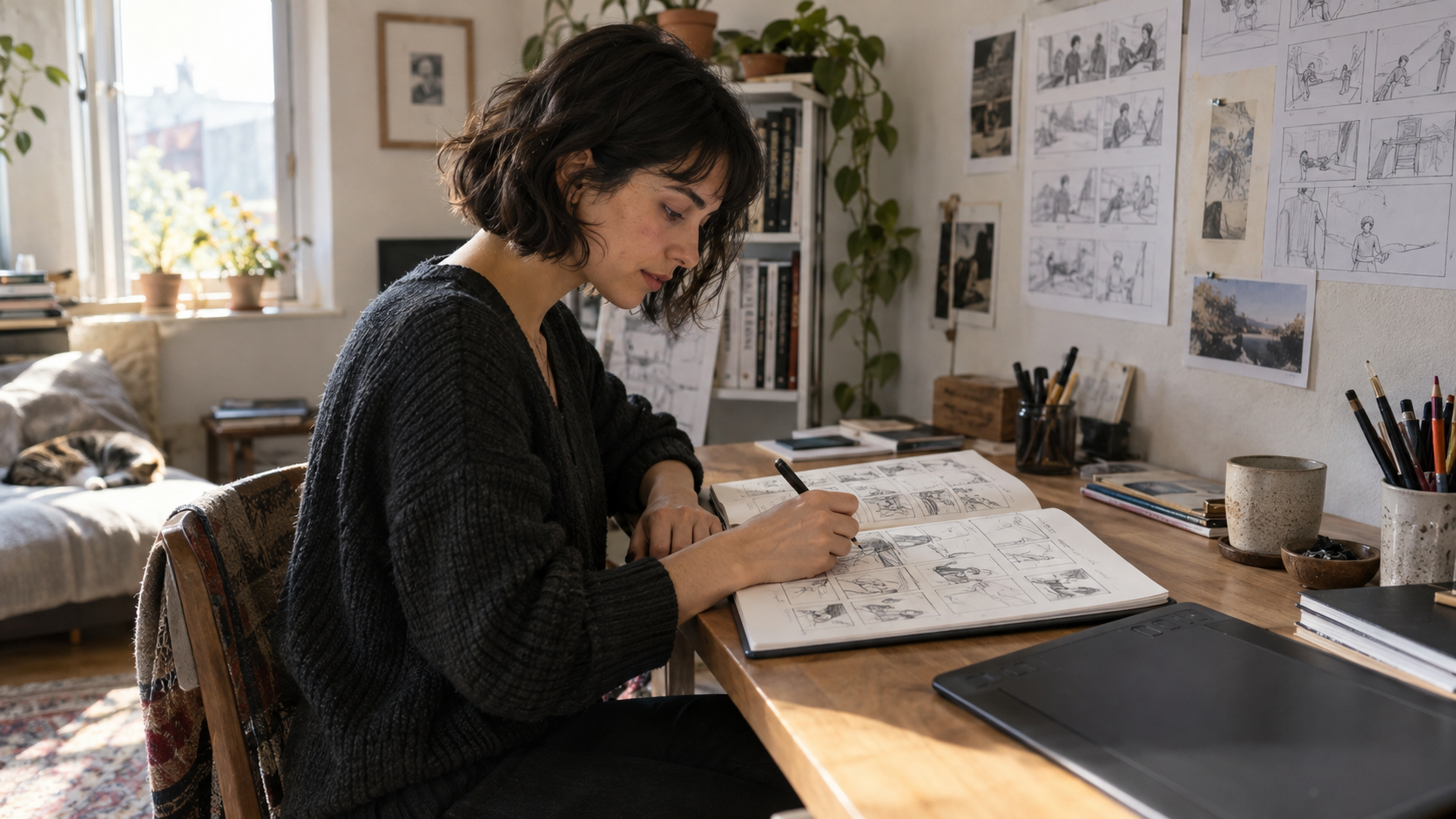
Independent creators
Start with an idea or a set of references. Organize scripts, storyboards and generated assets into material ready for the next step.
Develop short-film concepts, story experiments and personal projects with a clear production direction.
Explore the workflow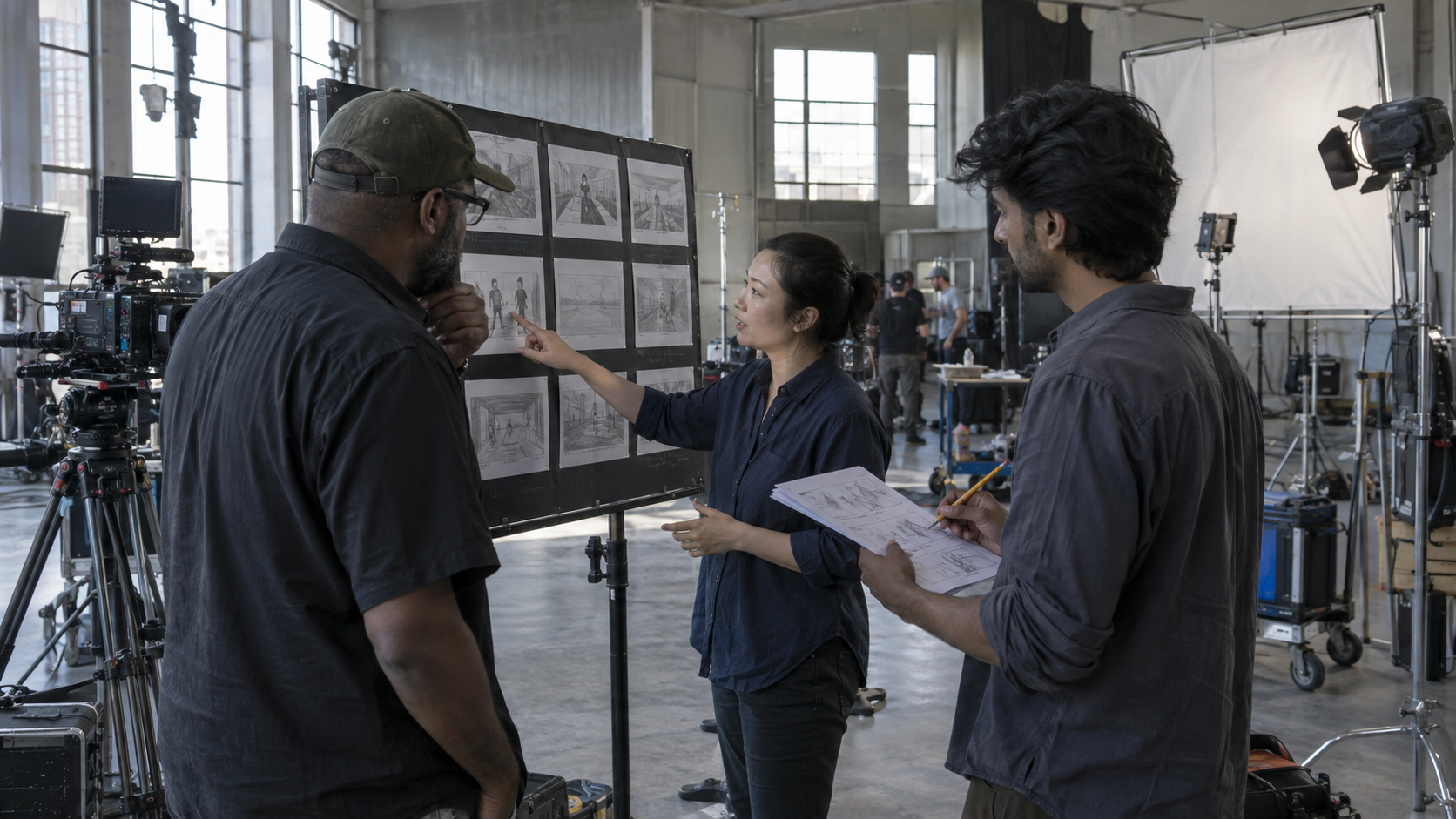
Professional production teams
Keep members, tasks, assets and versions around one project, connecting ideas, reviews and production.
From planning to shot revisions, reduce scattered files and repeated handoffs so the team can focus on the work.
Explore team capabilities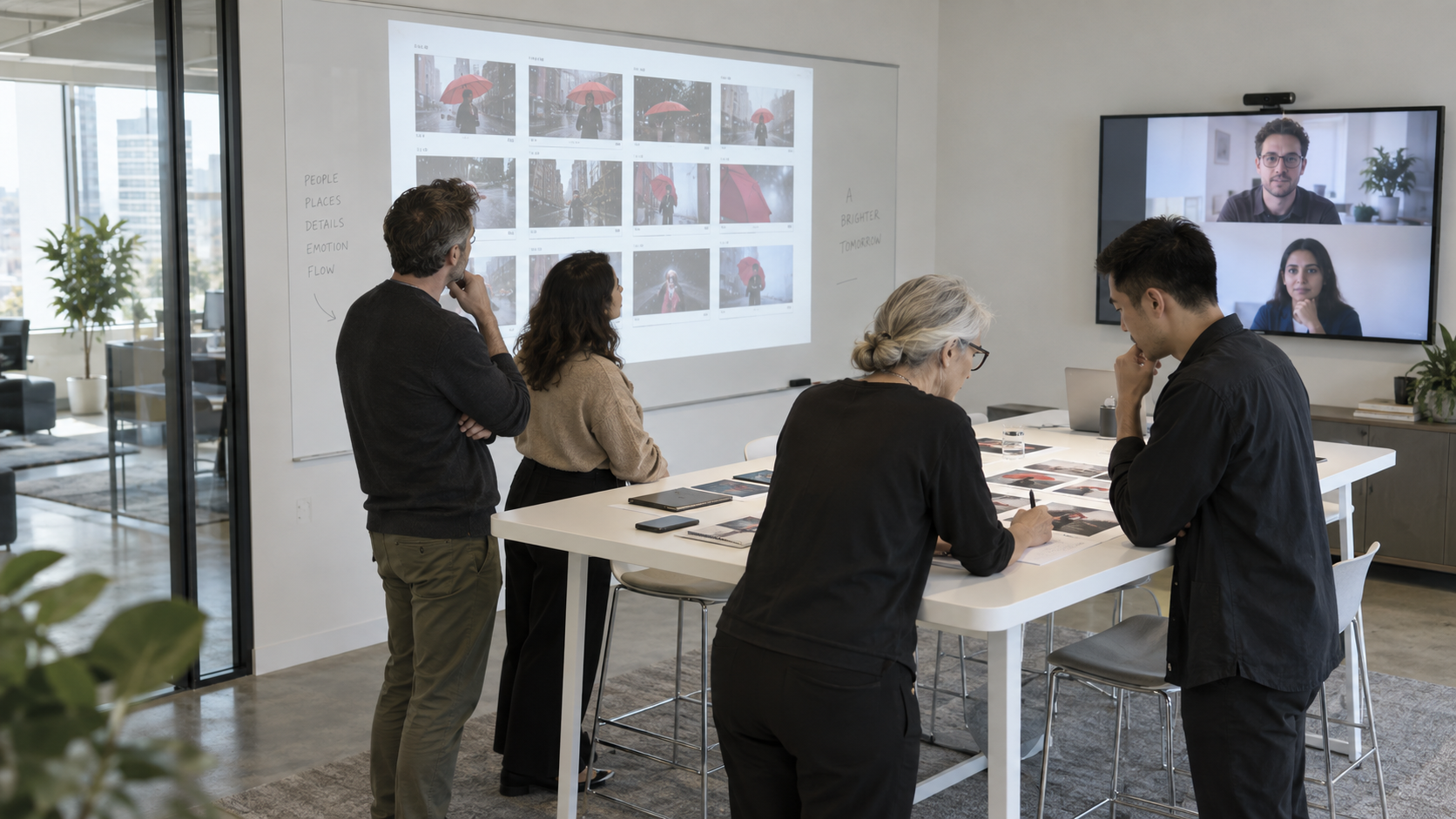
Enterprise teams
Organize brand and product content by project, with asset sources, permissions and rights built into production.
Build searchable content resources for ongoing brand communication and collaboration across teams.
Explore asset governance
MUKAWA PRODUCTION PLATFORM
Turn your next ideaInto work ready to share
Connect creativity, teams and digital assets for clear, efficient and repeatable production.